Migration Services Legacy Website Modernization
Migration Services Legacy Website Modernization
Old websites rarely fail all at once. They become slower to change, harder to secure, and more expensive to maintain. We modernize legacy websites, CMS platforms, and frontend codebases so the business can move forward without carrying technical debt forever.
What This Service Covers Technical modernization for outdated websites and web platforms
We assess the current system, identify where the real technical constraints are, and modernize the parts that are holding the product back. That can mean rebuilding the frontend, replacing an outdated CMS, upgrading a brittle codebase, improving deployment, or redesigning how content and data are structured. The outcome is a platform that’s easier to maintain and far safer to grow.
Legacy Platform Audit & Risk Assessment
Before changing anything, we review the existing stack: code quality, hosting, deployment process, plugin or dependency risks, content structure, SEO dependencies, and any business-critical workflows. This gives us a clear view of what can be preserved, what needs refactoring, and what should be replaced outright.
Without this audit, modernization projects tend to miss the real bottlenecks and repeat the same problems on a new platform.
Modern Frontend Rebuilds
Many legacy systems still serve content through bloated templates, outdated CSS, or brittle JavaScript. We rebuild the frontend in a modern, maintainable way — whether that’s improved WordPress templating, a cleaner custom frontend, or a fully decoupled stack.
The goal is faster delivery, better performance, and a frontend team that no longer avoids touching the codebase.
CMS Restructuring & Content Model Cleanup
Legacy sites often have years of accumulated content debt: duplicated page types, inconsistent field usage, unstructured data, and editing workflows no one trusts. We clean up the content model and rebuild it around how the business actually works today.
That makes the platform easier to edit, easier to extend, and less likely to collapse under its own history.
Reduce Technical Risk
Unsupported plugins, old PHP versions, abandoned frameworks, fragile deployment steps, and unknown dependencies all create risk. Modernization is partly about performance and UX — but it’s also about getting the platform into a state where it can be supported, secured, and updated confidently.
We prioritise these risks early so the modernized platform is healthier from day one.
Architecture That Supports the Next Phase
The point of modernization is not just to clean up the present — it’s to stop repeating the same migration every few years. We design the new architecture around future content needs, team workflows, integrations, and traffic expectations so the platform can grow without another emergency rebuild.
That means cleaner boundaries, better documentation, and fewer hidden dependencies.
Why Modernize Technical debt eventually becomes a business constraint
Legacy platforms don’t just slow developers down — they slow product decisions, marketing campaigns, content updates, and operational changes. When every small change feels risky, expensive, or unpredictable, the platform has stopped serving the business properly.
Modernization is how you regain control without waiting for a full system failure to force the issue.

Modernization Stack Technologies we use when rebuilding or upgrading legacy platforms.






Other migration services
Legacy modernization often overlaps with replatforming, CMS migration, and frontend rebuild work.
Shopify to Headless
Modernize commerce by separating the storefront from the backend and rebuilding on a faster, more flexible frontend stack.
Webflow Conversions
Outgrown Webflow? We rebuild on platforms that offer better flexibility, ownership, and long-term scalability.
Wix & Squarespace to WordPress
Leave behind closed builders and move to a platform that gives you proper control over content, SEO, and growth.
Custom Web Apps
Some legacy systems are really early-stage applications in disguise. We can rebuild them properly as modern web apps with clearer architecture and better UX.
Maintenance Retainers
After modernization, we can stay involved to keep the platform updated, secure, and moving in the right direction.
Talk to Our Team
If the platform feels old but you’re unsure whether it needs a rebuild, refactor, or full migration, we’ll help you figure it out.
What modernization changes
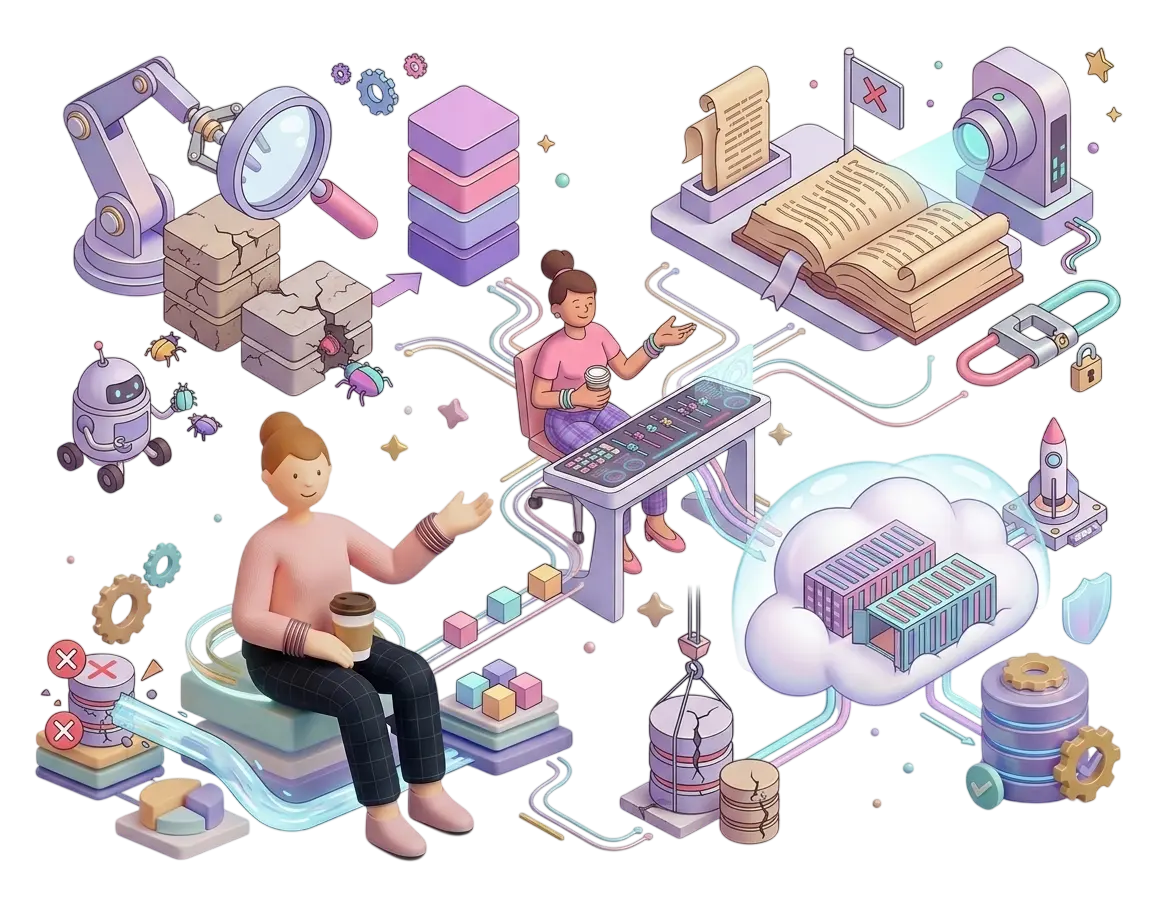
- Technical Debt Extraction — Systematic auditing of aging platform logic blocks to reduce backend bugs
- Dependency Auditing — Deprecating unmaintained legacy scripts to close open security loops
- Infrastructure Refactoring — Migrating brittle legacy systems onto containerized cloud arrays securely
- Content Normalization — Stripping conflicting database artifacts to streamline day-to-day author updates

Frequently asked questions
Answers to common questions about legacy website and platform modernization.
We audit the codebase, content model, deployment workflow, technical risks, and business constraints before recommending an approach. Sometimes a careful refactor is enough. Other times, the technical debt is so baked into the platform that a rebuild is more cost-effective in the long term.
Yes. In fact, it often should. We can modernize the frontend first, restructure the CMS next, and tackle infrastructure or application logic in later phases. This reduces risk and keeps the project aligned with business priorities rather than forcing everything into one large rewrite.
Yes. Any modernization that affects public URLs, metadata, or content structure includes a careful migration and SEO continuity plan. That covers redirects, metadata transfer, structured data, and launch verification.
No. We work across WordPress, older PHP systems, legacy CMS platforms, custom-coded sites, and ageing frontend stacks. The approach depends on the system, not on forcing everything into one technology choice.
It depends on scope. Small frontend modernization projects can be completed in 4–6 weeks, while larger phased platform overhauls can span several months. We define the scope and timeline after the initial audit and risk assessment.
Related articles & resources
 Headless Architecture
Rebuilding Restrictive Webflow and Shopify Sites into Managed CMS Masterpiecese
The Proprietary Trap: When SaaS Builders Become Profit Cages It usually begins as an efficient shortcut. When launching a new digital store or enterprise web presence, all-in-one SaaS platform builders like Shopify or visual design spaces like Webflow seem like the perfect answer. They promise zero-code environments, quick template setups, and managed hosting options that ...
 Mobile App Dev
Bridging the Web App Gap: Converting Your Website into Native iOS and Android Apps
The Mobile Dilemma: Responsive Web vs. True Native Performance Almost every business recognizes that mobile devices drive the vast majority of their digital traffic. For years, the standard remedy was simple: make your website responsive. Ensure that grid layouts stack vertically, navigation links scale down for touch controls, and images shrink appropriately for smaller screens. ...
 Headless Architecture
Beyond the Monolith: Why It’s Time to Take Your WordPress Headless
The Architecture Bottleneck: Why Traditional WordPress Is Stalling Your Growth Every scaling digital business eventually hits the WordPress wall. It starts innocently: you build a custom site, install a few plugins for SEO, a couple more for marketing automation, and an optimization layer to help manage caching. But over time, the monolithic architecture of traditional ...